Evaluating Newborn Invitation Mockup and Kids Card PSD Templates
For graphic designers, stationery shop owners, and parents planning special events, presenting a design concept effectively is just as important as the design itself. This is where a Newborn Invitation Mockup or a Kids Card PSD becomes an essential tool in the creative workflow. These digital assets allow users to visualize how a flat design will appear in a real-world context without the need for physical printing or professional photography setups. Understanding the utility, limitations, and technical requirements of these files is crucial for determining if they align with your specific project goals.
Understanding the Function of PSD Mockups
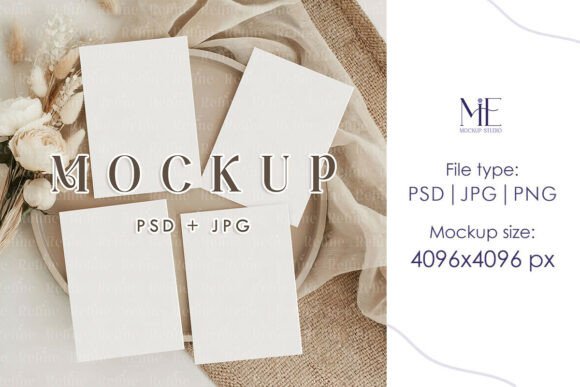
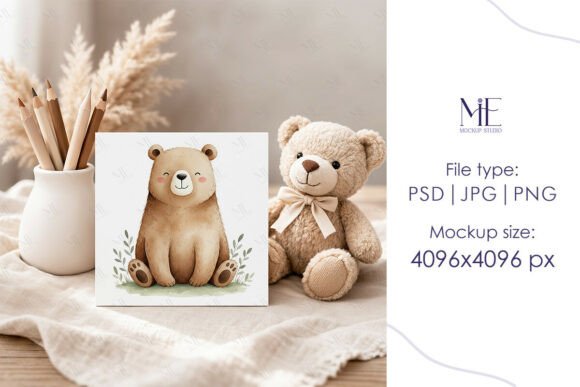
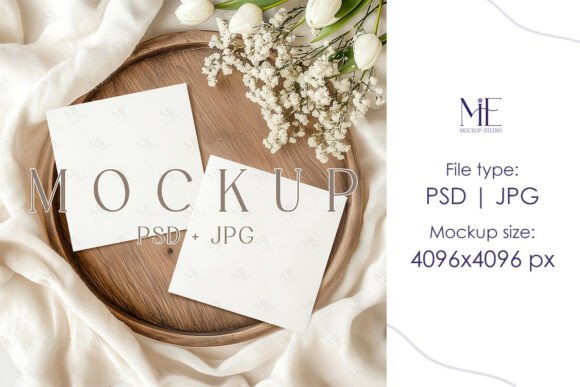
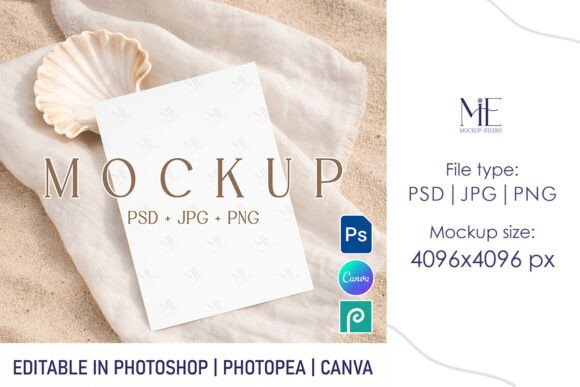
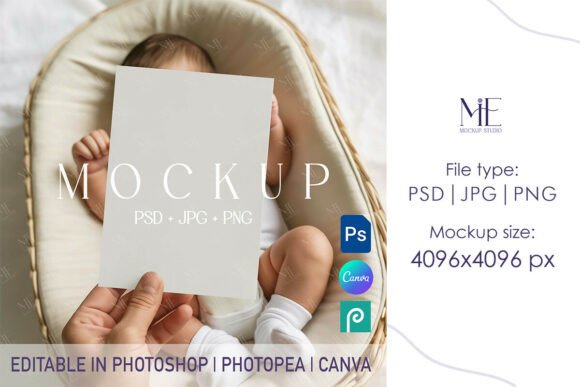
A Newborn Invitation Mockup or Kids Card PSD is a pre-designed Photoshop file that contains smart object layers. Unlike a standard image file, a PSD (Photoshop Document) retains layer information, allowing users to insert their own artwork into designated areas. When a user places their design into the smart object layer, the mockup automatically applies lighting, shadows, perspective, and texture to make the design look like a physical card resting on a surface or being held.
The primary value proposition of these templates lies in their ability to bridge the gap between a digital draft and a tangible product. For those selling digital invitations or custom stationery, high-quality visuals are necessary to convey quality to potential customers. A flat JPEG of a design often fails to communicate the paper weight, finish, or scale of the final product. A well-constructed mockup solves this by providing a realistic representation that helps clients or buyers visualize the end result.
Key Benefits for Designers and Sellers
There are several practical reasons why a creative professional might choose to utilize a Newborn Invitation Mockup or Kids Card PSD rather than creating a scene from scratch:
- Time Efficiency: Setting up a photoshoot involves lighting equipment, props, camera settings, and post-processing. A PSD mockup reduces this process to a few clicks within software, significantly speeding up the time-to-market for new designs.
- Consistency: When building a portfolio or an online store, maintaining a consistent visual style is vital. Using a series of mockups from the same creator ensures that lighting angles and background textures remain uniform across different product listings.
- Cost-Effectiveness: Hiring a professional photographer for product shots can be prohibitively expensive for freelancers or small businesses. Digital mockups offer a one-time purchase cost with unlimited use for personal projects, providing a high return on investment.
- High Resolution: Quality templates typically provide files at resolutions such as 4096x4096 pixels. This ensures that the final images remain sharp even when viewed on high-density displays or used in large-format marketing materials.
Technical Considerations and Requirements
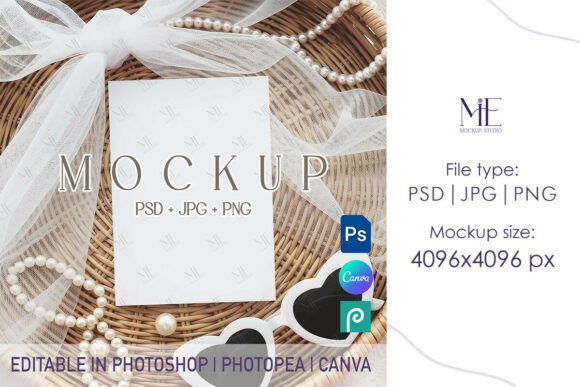
While the benefits are clear, adopting a Kids Card PSD template requires specific technical capabilities. The most significant consideration is software dependency. These files are designed exclusively for Adobe Photoshop. Users who rely solely on free alternatives like GIMP or browser-based tools like Canva may find limited compatibility. While some platforms allow for PSD imports, the complex smart object functionality that drives the realism of the mockup often does not translate perfectly outside of the native Photoshop environment.
Furthermore, understanding the file structure is necessary for optimal results. A standard package usually includes the main PSD file with fully editable smart object layers and a high-resolution JPG preview. The card size is typically standardized, with 5x7 inches being a common dimension for invitation suites. Users must ensure their original designs match these aspect ratios to avoid distortion when inserted into the smart object layer. If a design is created at a different size, it may need to be resized or cropped before integration, which can impact the layout integrity.
Ideal Use Cases
A Newborn Invitation Mockup is particularly well-suited for specific scenarios where visual presentation drives decision-making:
- Etsy and Online Storefronts: Sellers of digital downloads or printed stationery need compelling listing images. A realistic mockup helps customers understand the product's aesthetic, potentially increasing conversion rates.
- Client Presentations: Freelance designers can present concepts to clients in a polished format. Showing a baby shower invite on a textured background looks more professional than sending a flat PDF attachment.
- Social Media Marketing: Platforms like Instagram and Pinterest are highly visual. High-quality mockups stand out in feeds and can be used to promote upcoming collections or seasonal offers.
- Portfolio Development: Aspiring designers can use these templates to showcase their typography and layout skills in a realistic context, making their portfolios more attractive to potential employers.
When to Consider Alternatives
Despite their advantages, PSD mockups are not the solution for every situation. There are instances where alternative approaches may be more appropriate:
If a user does not have access to Adobe Photoshop or lacks the technical confidence to navigate layers and smart objects, a Kids Card PSD may lead to frustration. In such cases, browser-based mockup generators or templates specifically built for Canva might be a better fit. These platforms often sacrifice some degree of customization and realism for ease of use and accessibility.
Additionally, if a brand requires a highly unique setting that cannot be found in existing template libraries, a custom photoshoot may be necessary. Stock mockups, while versatile, are used by many designers. There is a risk that similar backgrounds or angles may appear elsewhere online, potentially diluting brand uniqueness. For established brands seeking a distinct visual identity, investing in custom photography could yield better long-term results than relying on shared digital assets.
Making the Right Decision
Selecting the right asset comes down to evaluating your current workflow, software proficiency, and budget. If you already operate within the Adobe ecosystem and need to produce high-volume visual content quickly, integrating a Newborn Invitation Mockup or Kids Card PSD into your library is a logical step. The ability to instantly swap designs and generate professional-grade images supports agility in a fast-paced market.
However, it is important to manage expectations regarding the learning curve. Users should be prepared to spend a small amount of time learning how to manipulate smart objects if they are new to Photoshop. Once mastered, the process becomes seamless: open the file, double-click the smart object layer, paste the design, save, and the mockup updates automatically.
Ultimately, these digital tools serve as a bridge between creativity and commerce. They allow designers to focus more on the art of the invitation and less on the logistics of photography. By weighing the need for realism against technical constraints, creators can determine if a PSD-based workflow is the optimal path for showcasing their newborn and kids' card designs.